Connection Hub: unified multi-protocol access
A single console for OPC UA, S7, Modbus TCP, and MQTT — configure an address and collection parameters to establish connections, with no per-device integration code.
An all-in-one edge platform for manufacturing: business users implement data acquisition and orchestrate workflows with zero code, while IT teams leverage the AI development engine to build business systems that stay live-linked to device status and data. Supports OPC UA, S7, Modbus TCP, MQTT, and more — your data never leaves the plant.
Docker image or all-in-one appliance · One-time license · Data stays on-site
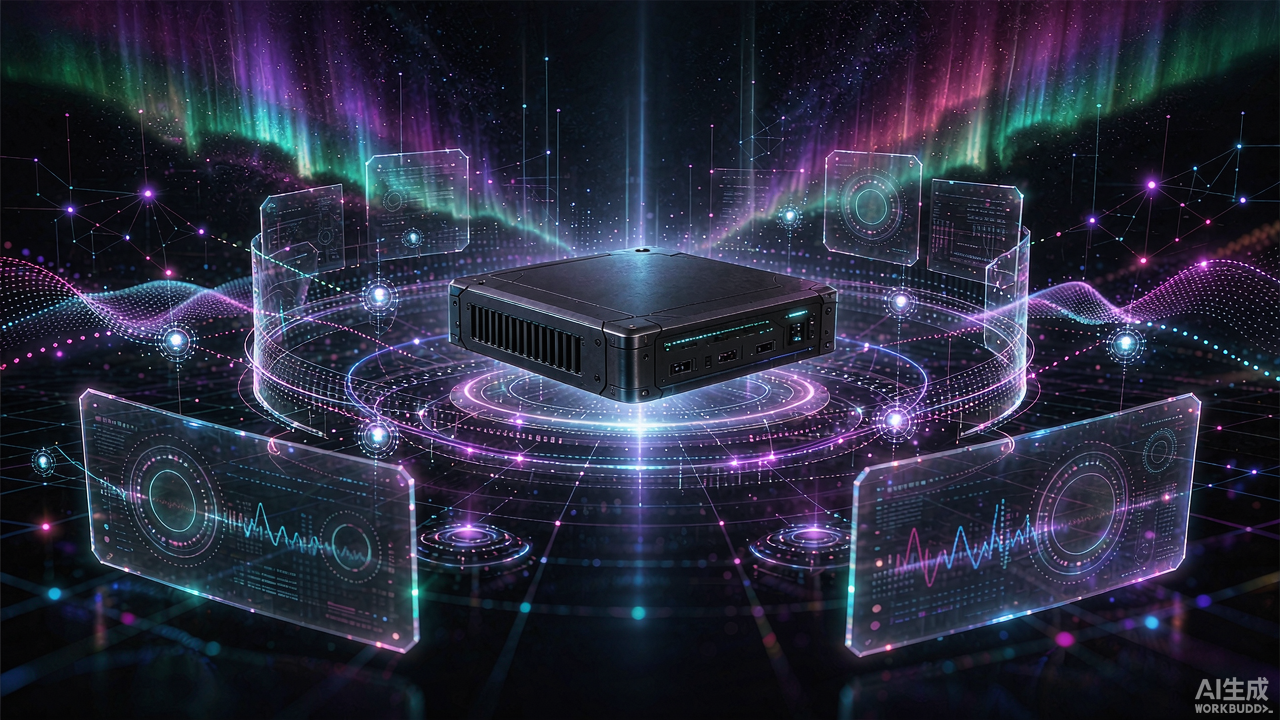
From device connectivity and point modeling to workflow orchestration and app extension, BaseEdge provides a unified zero-code console: business users implement acquisition and workflows on their own, while IT teams extend when needed.
A single console for OPC UA, S7, Modbus TCP, and MQTT — configure an address and collection parameters to establish connections, with no per-device integration code.
Devices are decoupled from underlying connections — a device defines what it is and what to collect, while point names follow business semantics; swapping protocols never affects upper-layer apps or workflows.
Build workflows visually — combine schedules, conditional branches, device reads/writes, data persistence, and alerting. Business users can implement automation on their own, without writing code.
Ships with the built-in EAM asset-management app covering device ledgers, work orders, and maintenance routines; self-developed dynamic apps with unified frontend and backend scripting extend business capability on demand.
Build workflows like drawing a diagram: drag nodes, connect wires, and debug live — acquisition, transformation, forwarding, and alerting come together on one canvas.
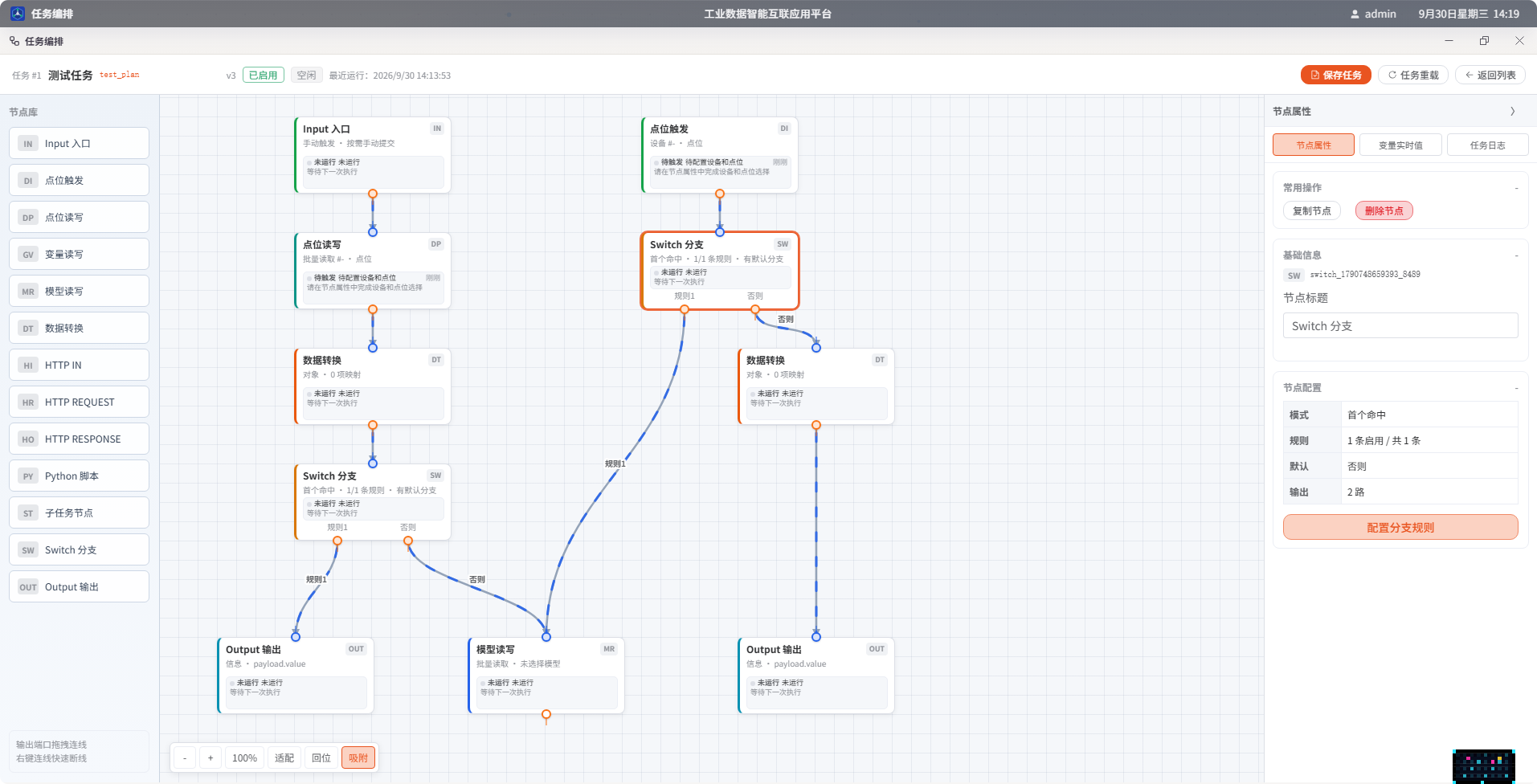
Drag nodes into place and connect bezier wires to shape a flow; zoom, fit, and reset included, with the whole structure readable at a glance.
Input/Output, point triggers, point reads/writes, variable reads/writes, model reads/writes, data transforms, HTTP, Python scripts, Switch branches, and sub-task nodes — ready when needed.
Node properties, live variable values, and task logs work side by side, keeping run states and data flow fully visible.
Combine manual runs, button submissions, point changes, and schedules; start, stop, and reload flows with full control.
A supervisor manages start/stop and heartbeats for every process, isolating and restarting failures automatically — one faulty module never takes down the box. Modules communicate over local gRPC.
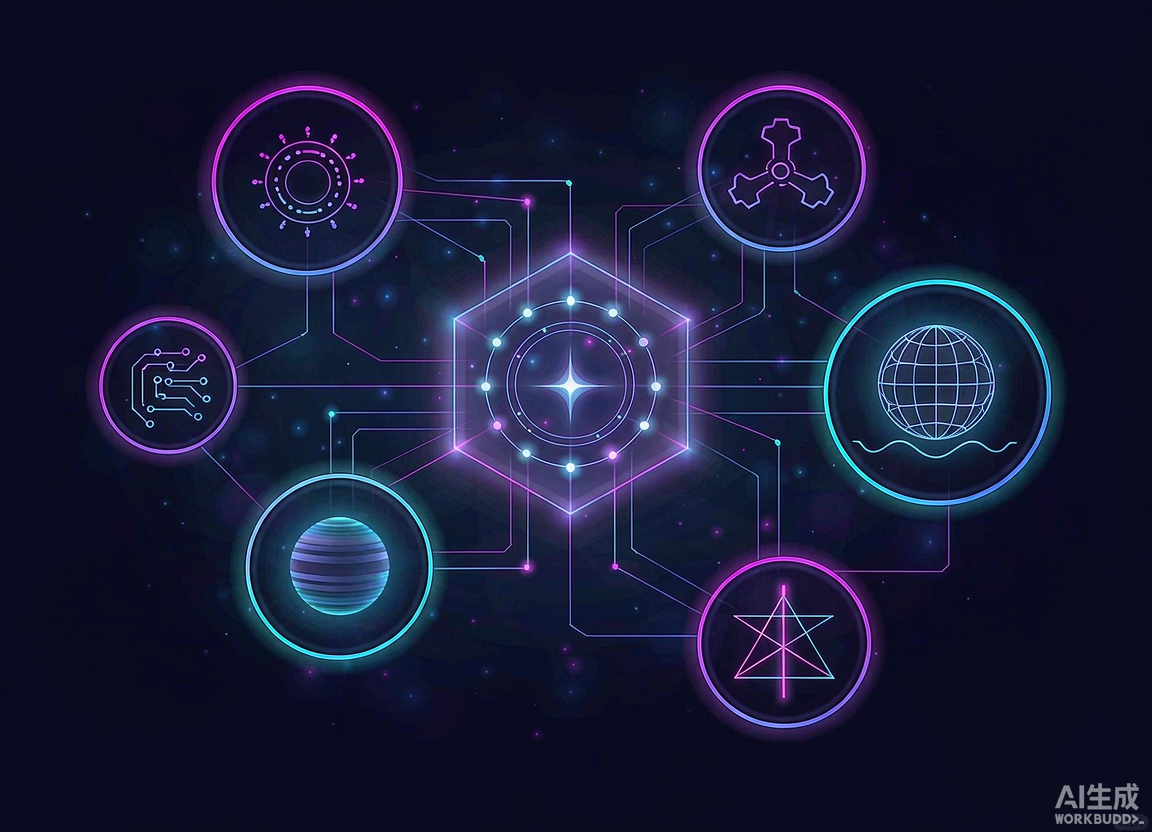
The Supervisor owns process lifecycle, heartbeats, and failure recovery; a faulty process restarts alone, so collection, tasks, and the UI stay unaffected.
Modules communicate over local gRPC, and high-frequency point data flows through a latest-value channel that stays low-latency under load.
Business, logs, models, and apps live in separate schemas with clear boundaries; high-frequency runtime state stays in memory while disks hold only business and audit data.
Vision inspection runs locally in the terminal browser and the AI advisor answers and acts on demand — images and conversations never leave the plant, meeting compliance needs for sensitive scenes.
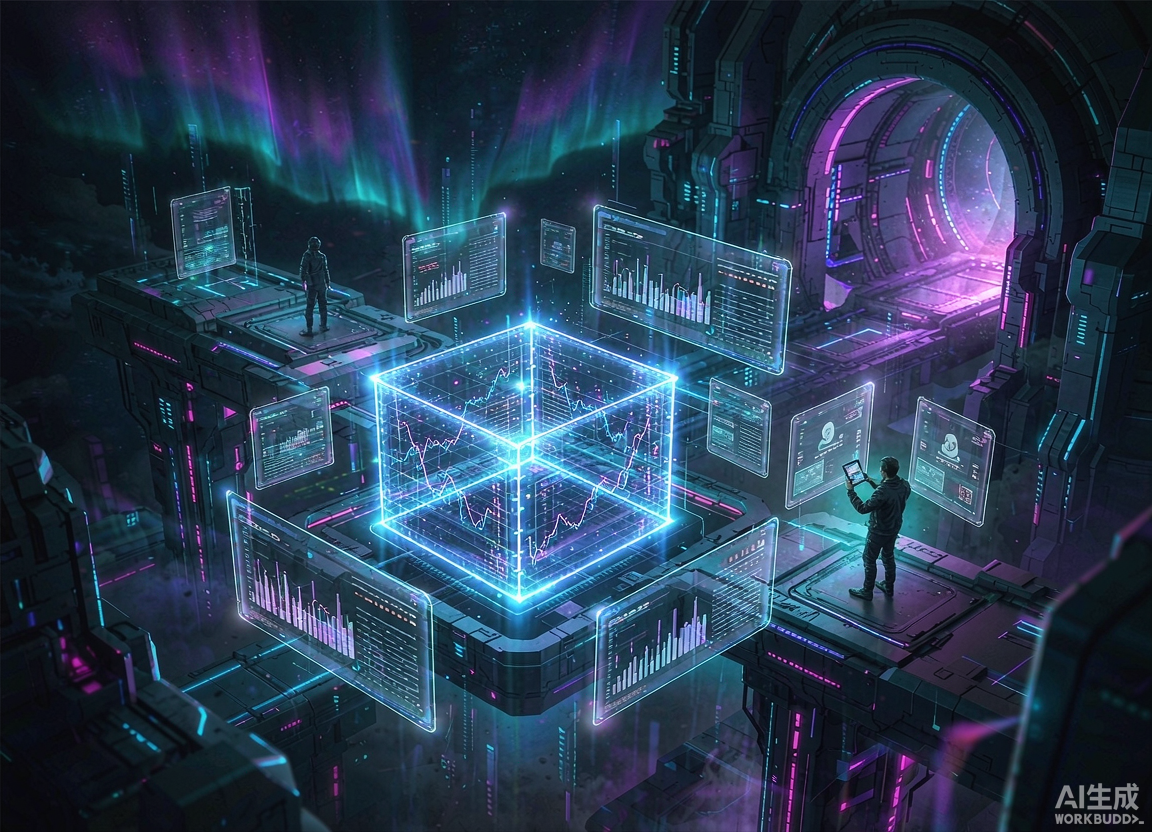
Connect an OpenAI-compatible endpoint to query device status and collected data in natural language; together with the AI development engine, IT teams can build business systems that stay live-linked to device data. Every write requires human approval and is fully audited.
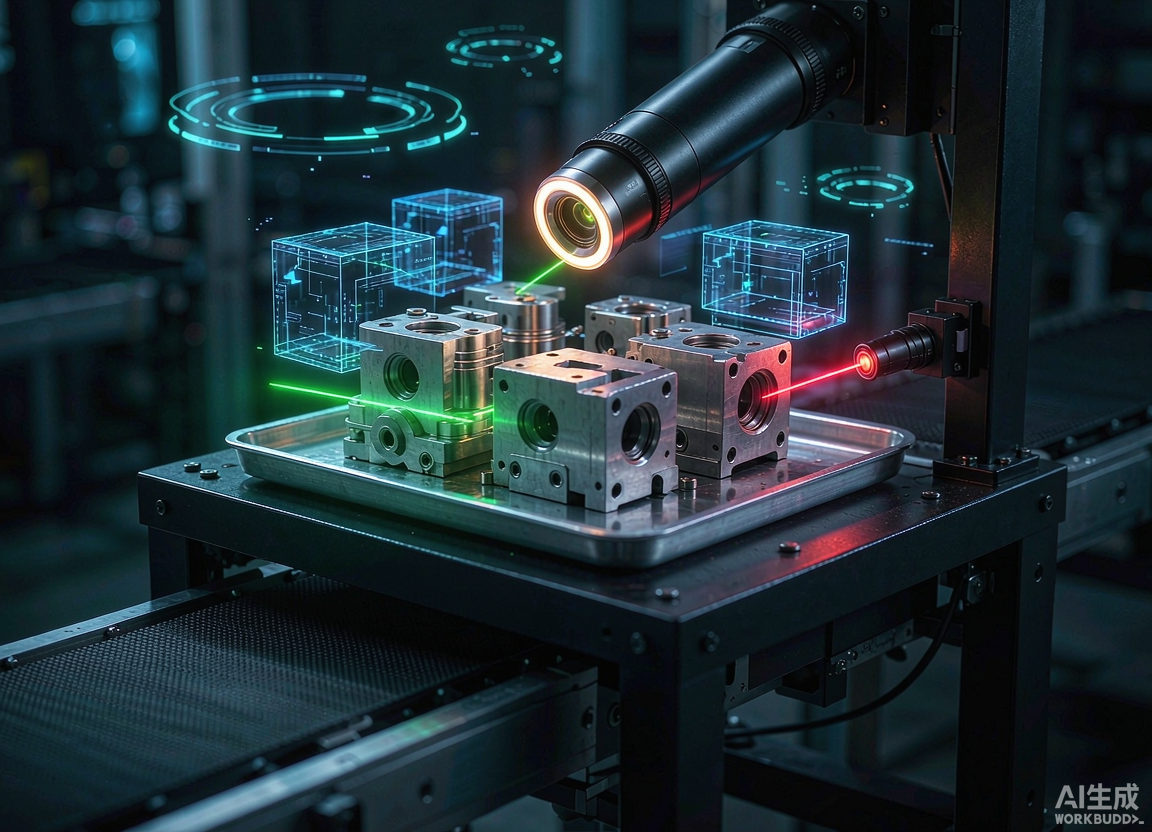
Detection models run locally in the browser with WebGPU acceleration — camera frames never upload. VLM re-checking adds a second layer of accuracy while keeping data compliant.
Deterministic frame-level judgement and readable semantic re-checking share one pipeline: routine actions are scored by the vision models frame by frame, while occlusions, rare postures and other edge cases go to the large model for a second opinion — all three verdicts are emitted as structured evidence.
Station cameras stream into an in-browser Dedicated Worker for local inference — frames never leave the terminal and nothing is uploaded.
Local · Per frameWorkpieces, tools and hands are detected, with ROI and IoU tracking keeping the same target bound across frames.
Detect + trackKeypoint skeletons yield joint angles, movement direction and dwell time, checked against the requirements of each SOP step.
Pose + timingOnly when a step demands re-checking or the verdict is uncertain does the model confirm the frame semantically and explain why.
On demandModel version, inspection mode, confidence and evidence timestamp are written per step into the inspection record.
Full traceOwns accuracy and speed: detection, keypoint pose, ROI and rule thresholds all close within a single frame. Identical input always yields an identical, recomputable result that fits the line takt.
Owns explanation and long-tail coverage: it handles rare postures, occlusions and edge cases, then returns a human-readable rationale. It stays off the high-frequency path and can be switched off entirely to free compute.
matched Pass Judgement and time-window checks both hold, so the flow may advance.
Move to the next station stepnot_matched Fail Skipped steps, wrong order, timeout or off-spec posture are caught on the spot.
Alert on site and hold the flowuncertain Uncertain Insufficient evidence or timed-out checking is never counted as a pass — it stops rather than slips through.
Escalate to human confirmationThe work instruction is broken into verifiable steps: who does it, how long it takes and what "done" looks like are checked against vision evidence. Wrong moves, skipped moves and anomalies are stopped on the spot instead of surfacing at final inspection.
| Step | Check | Time limit | Status | System action |
|---|---|---|---|---|
| 01 Part verification | Harness colour code and bin label match the current work order | ≤ 3s | Pass | Advance to the next station step |
| 02 Housing insertion | Hand enters the zone, movement aligns with the port axis and dwells for the required frames | ≤ 6s | Pass | Record execution time and confidence |
| 03 Torque fastening | Wrist angle stays inside the standard band until the required frame count | ≤ 8s | Uncertain · occluded | Confirmed by model re-check |
| 04 Visual self-check | Head turns to the observation point and gaze covers the port for the required frames | ≤ 4s | In progress | Release once evidence qualifies |
| 05 Scan and release | Scan action completed and operator left the equipment safety zone | ≤ 3s | Not started | Waiting for all prior steps |
Frames are used locally for inference; only structured verdicts are uploaded.
Evidence accumulates frame by frame; timeouts and stale frames expire at once.
Every verdict records model version, mode, confidence and evidence time.
Uncertain is never treated as pass — it always escalates to a human.
Stations are authorized by vision account and SOP release version. Changes take effect immediately, while historical rounds stay traceable under the release version of their time.
Runtime status is always visible and every maintenance step is on the record — even a single edge server delivers enterprise-grade manageability.
High-frequency runtime data lives in memory and rebuilds from config in seconds after a restart, easing disk I/O.
System status is sampled every 5 seconds — CPU, memory, and collection latency on one screen.
A multi-window desktop interface keeps monitoring, devices, and tasks in separate windows, familiar to everyday users.
Key operations and AI calls are fully logged and traceable by person and time.
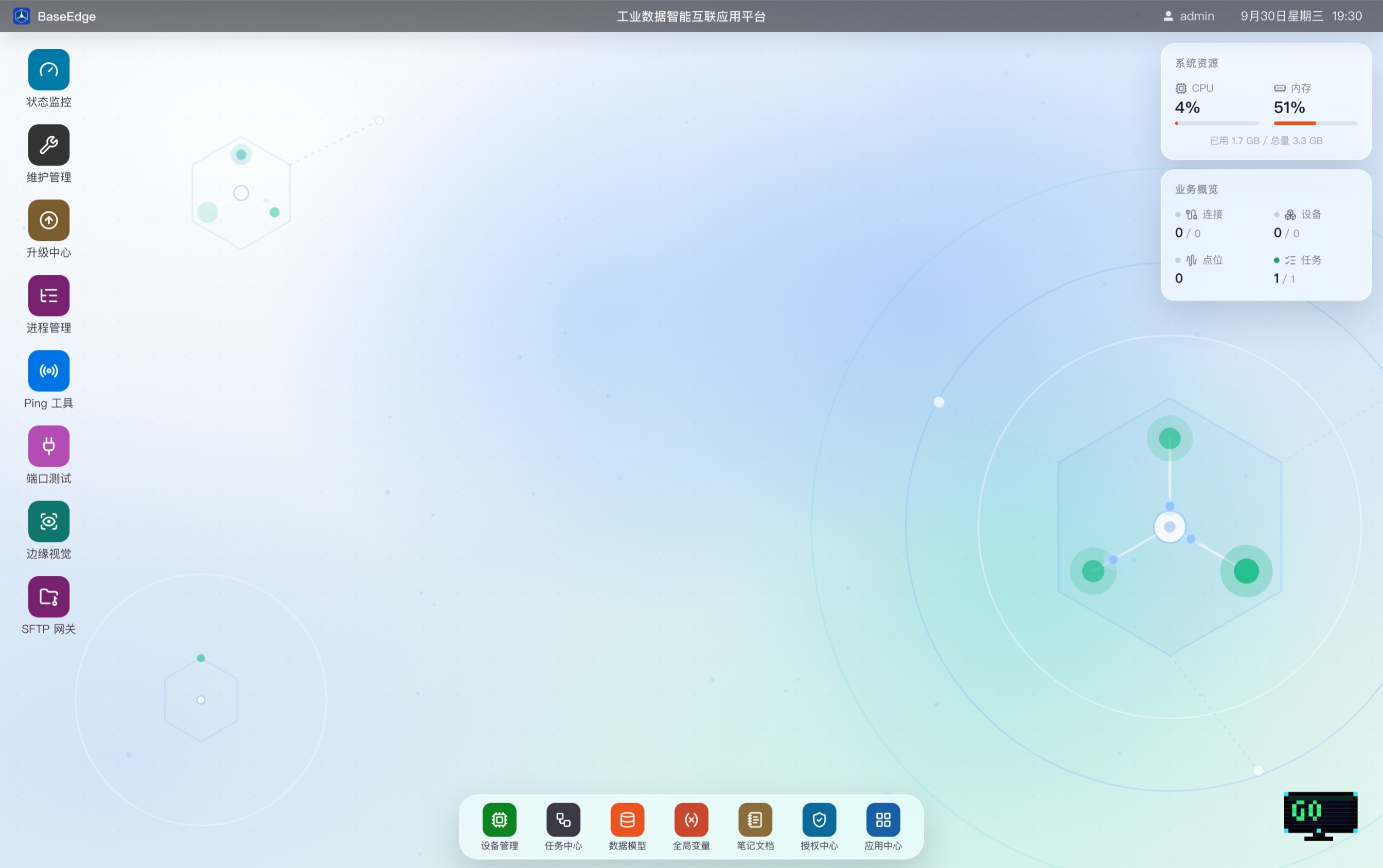
BaseEdge works like a familiar desktop: an app rail on the left, a dock at the bottom, and live overviews on the right — every capability of the platform on one screen.
Kiln monitoring, maintenance, process management, Ping tools, port debugging, edge vision, and the app center live in the left app rail — one click away, no nested menus.
CPU and memory sit beside connections, devices, events, and tasks on the same screen, so the health of every edge node is instantly clear.
Frequent destinations — device management, task center, dashboards, and settings — live in the dock, working as naturally as your everyday OS.
From a software image to a turnkey appliance, BaseEdge offers flexible paths to production — all privately deployed with data staying on-site.
A standard container image for organizations with existing IT infrastructure — single-image deployment, low resource footprint, and easy upgrades.
Hardware and software delivered as one — the platform ships pre-installed and works out of the box; run your own applications with no subsequent license or subscription fees.
Book a demo with a dedicated consultant and get a One-MOM digital platform solution tailored to your industry.